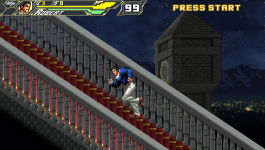
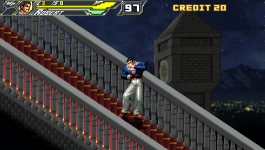
Solved I have a question about the terrain.

Question that is answered or resolved.

DD Tokki

Well-known member
1720329960690.png

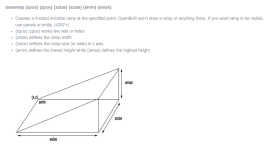
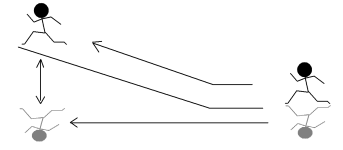
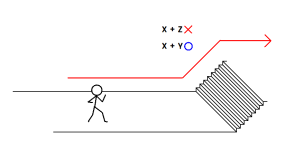
When creating a stage, there is a Z-axis as shown in the picture, but I would like to know if it is possible to make it look like climbing actual stairs by moving it along the Y-axis rather than tricking it diagonally.

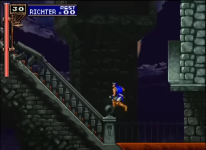
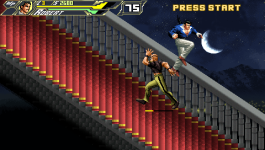
In the Final Fight openbor game, there is a scene where you go down stairs when moving through a stage, and that's where I came up with the idea.
 

This is a test video of walking up the stairs.
I think the reason it goes down at the end is because there is terrain only up to the stairs.

Now I think it would be perfect with just a clock tower in the background.
 
  • Like
Reactions: NED
gfxshadow {int} {shadowbase}

  • Changes entity's shadow effect.
    • 0 = (default) Use generic shadow set.
    • 1 = Use entity's current frame for the shadow. Yes, the shadow will be more realistic with this. The angle and length of shadow is defined by 'light' (see below).
  • {shadowbase} controls how the shadow works in platforms (4287+)
    • gfxshadow 1 = default gfxshadow
    • gfxshadow 1 0 = default gfxshadow
    • gfxshadow 1 1 = no shadow changes on platform/basemap (old builds)
    • gfxshadow 1 2 = 2D-like shadow (like platform games)
    • gfxshadow 1 3 = combination 1+2
handable via script with new "shadowbase" prop in entityproperty
 
Back
Top Bottom